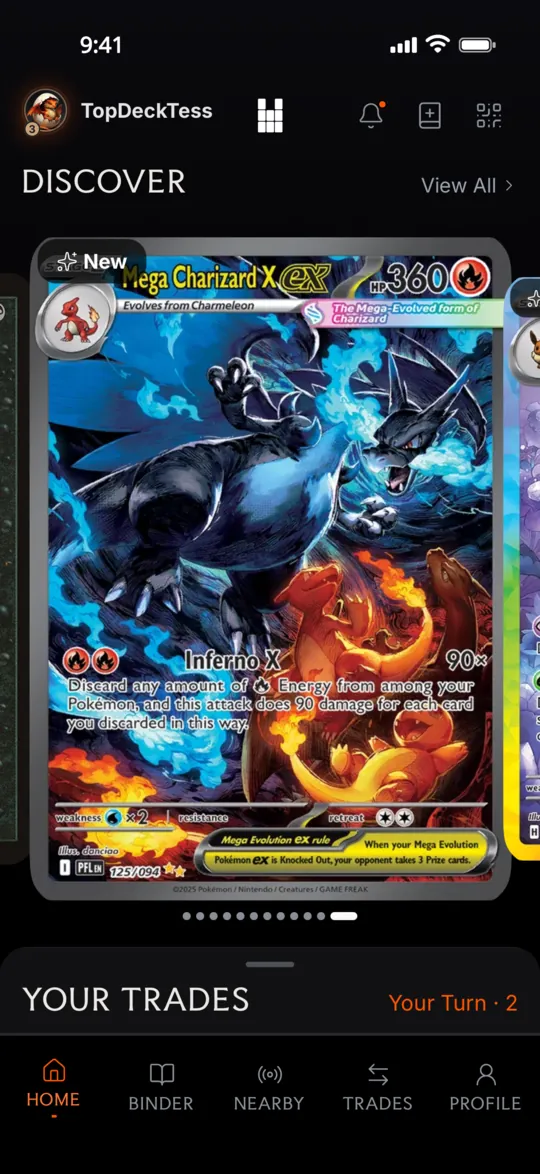
The local TCG trading app
Trade cards near you.
BinderPlug shows you who nearby has the cards you want, and who wants yours.
Free · Open Beta · 18+ · USComing to iPhone & Android




Nearby
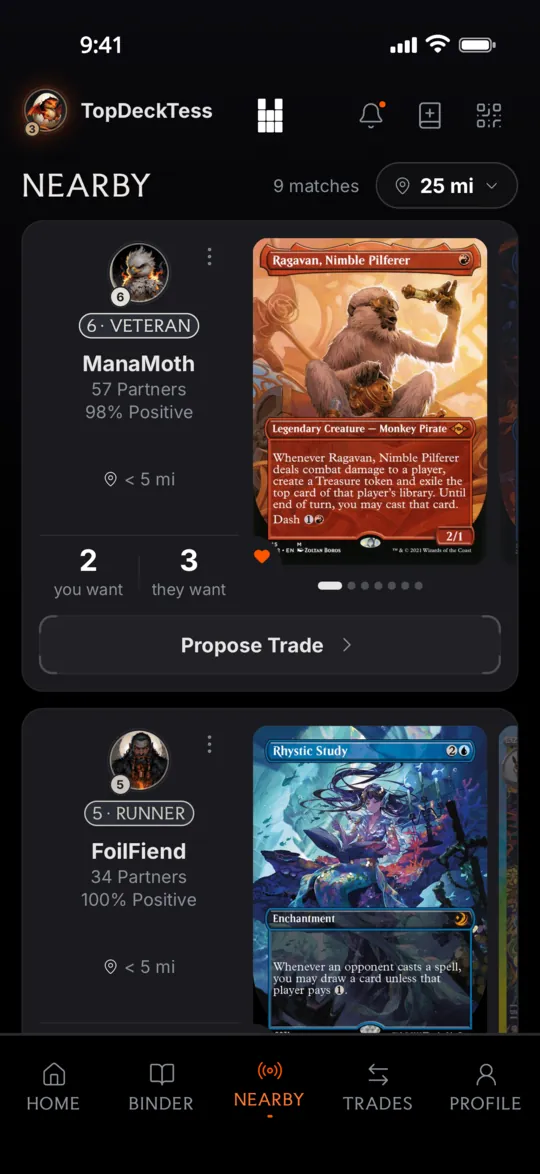
The card you want might be in a binder down the street.
BinderPlug shows you whose.
Browse nearby traders, prioritized by what’s on your Wishlist, and propose card-for-card trades.
Other traders see an approximate distance, like “< 5 mi”, not an exact one.
How it works
Three steps. The last one happens in person.
Add your cards.
Cards you want go on your Wishlist. Cards you’d trade go in your Offer Binder.
In the appYour Wishlist 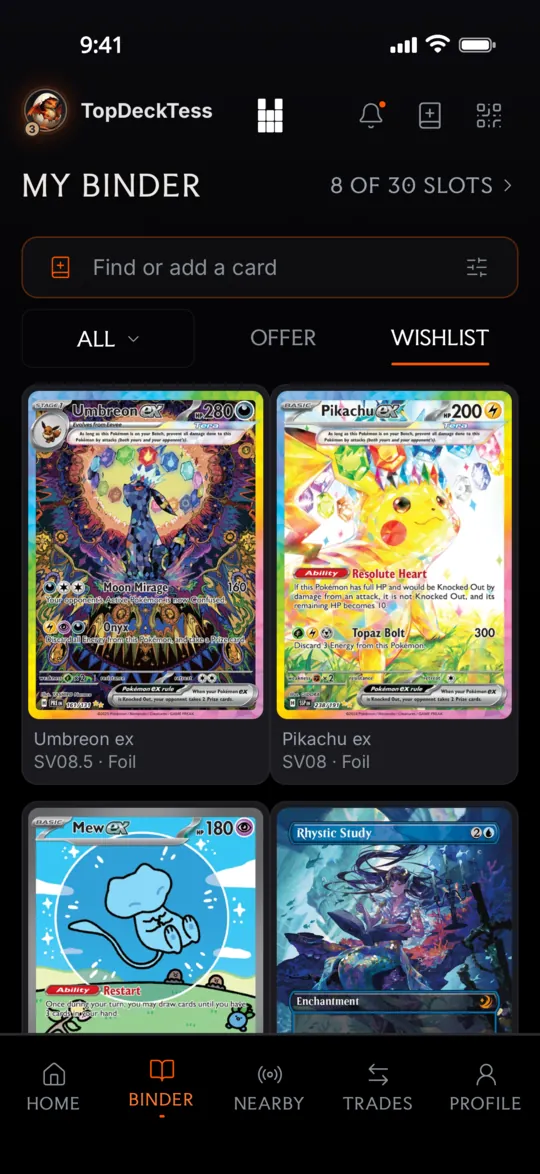
Send an offer.
Pick cards on both sides. They accept, decline or counter.
When every card has a price estimate, a bar compares the estimated values.
In the appProposing a trade 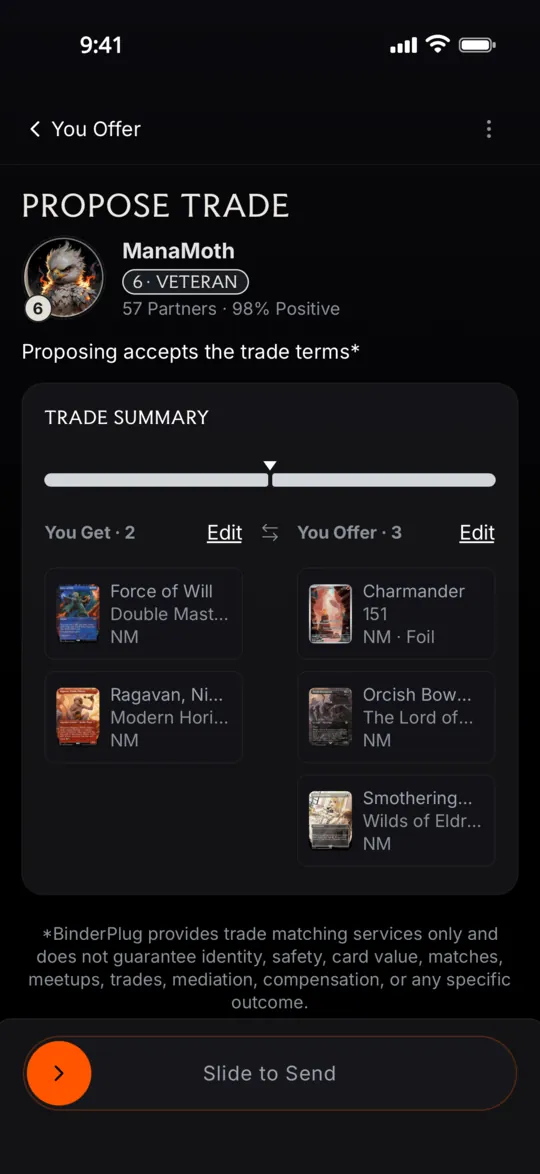
Meet up and swap.
Agree on a public place and a time together. Meet, check the cards, and swap.
Share Binder & Saved Traders
Keep the good ones.
Met a trader you’d swap with again? Scan their Share Binder QR code or open their link, and save them.
While they have sharing turned on, their Offer Binder stays a tap away, and you can trade when you’re in meetup range.
Your own Share Binder works the same way: a QR code and a link to your Offer Binder.
One pocket left.
BinderPlug™
Plug the Trade back into TCG.
Free, in Open Beta, for traders 18 and over in the US, starting in Southern California.